Look what I have found… This is my very first shredzone, as it was online from 1998 to 2003. First it was hosted by my internet provider. Then, on April 15th 2000, I registered my own domain – shredzone.de – and moved my site to a professional hoster.

The site did not use a fancy content mangagement system, but consisted only of static HTML pages. It was built on my Amiga using a preprocessor called HSC, an acronym for HTML Sucks Completely. 😜 Some parts like the gallery or the download area were generated by accompanying ARexx scripts. It was incredibly easy to add content to the site. Basically it was just adding or changing a file, and then invoking smake to rebuild the affected parts of the site within seconds, including the navigation. It was a big advantage that I was going to miss badly later.
At that time I did not use CVS yet, so sadly all the past versions and changes have been lost. The only version I still have is the final one on my Amiga harddisk. I have found the project today, by a rather lucky accident. It was only the source code though, the final compiled version has got lost over the years. There is a Linux port of HSC, so basically I could rebuild the site on my Linux machine. But the ARexx parts require an Amiga environment, and porting them to Linux would have consumed too much time.
So I started an Amiga emulator and, thanks to the good shape of the project that the past Amiga me has left the present Linux me, I actually only needed to run smake to rebuild the entire homepage in just 3 minutes.
The requirement to run on an Amiga, was what later broke the neck of this homepage. When the Amiga platform died, I moved on to Linux, but I could not move my homepage with me. So, in 2003, I replaced it with a self-made content management system that was written in PHP and was called Akiko. It had some nice features, but on the other hand it was rather tedious to add new content. Because of that, I badly neglected my homepage in those years.
In 2010, Akiko was replaced by a self-made blog system that is written in Java and is named Cilla. Even after a major redesign in 2018, it is still in use today. 🙂
The fact that computer generations are becoming increasingly powerful has an interesting side effect: it makes it possible for a modern computer to completely simulate an old computer, including special hardware. This is known as emulating the old computer. The associated software is called an emulator.
This special feature looks at a selection of the emulators available for Fedora.
Source
A few emulators are already available in Fedora Extras or in the Freshrpms repository. However, the real cream of the crop can be found in the rather unknown Dribble repository. With a small adjustment, the new repository is made known to yum:
rpm -ivh http://dribble.org.uk/repo/dribble-release-5-1.noarch.rpm
First of all, you should create an emulator menu in the Gnome taskbar:
yum install dribble-menus
There you will find all the emulators that you have installed from Dribble.
That was just the preparation. Before I introduce the emulators, I would like to mention a small catch to the matter.
Where to get the firmware from?
An emulator basically only provides virtual hardware, which is only half the battle. Every computer needs firmware or an operating system, and this also applies to emulators, which usually require a copy of the original ROM. Here, however, the manufacturer usually still asserts their copyrights, meaning that you cannot simply distribute them together with the emulator.
If you are lucky, the manufacturer has since allowed non-commercial use. In Fedora, the firmware still cannot be included, as the distribution strictly uses only free, open-source software. However, repositories like Dribble offer the firmware where possible. As mentioned, this is legal, as the manufacturer has released the firmware for non-commercial purposes.
If this is not the case, there is really only one legal way: you must own the original device to be emulated yourself. Then you are allowed to read out the firmware or the operating system and use it on the emulator, as long as the original device remains in your possession (and strictly speaking, is not switched on in the meantime). Often, however, there is also the option of purchasing the required files. A certain residual risk then remains, because you do not know if and how stably the emulator will ultimately work with the original files.
A third, somewhat unusual option is that the firmware has been reprogrammed open-source. This is the case, for example, with the Atari ST emulator, which is why it can also be found in Fedora Extras.
You should, however, refrain from using pirated copies. Emulators are viewed with suspicion by many manufacturers and are tolerated rather than liked. If they get the impression that their rights are being infringed by this, the peace could quickly be over.
But enough theory for now! Let’s take a closer look at a few emulators.
Apple Macintosh
The first emulator is already a treat. With SheepShaver you can emulate an Apple Macintosh. MacOS 7.5.2 to 9.0.4 are supported, but not MacOS X. It can be installed from Freshrpms via
yum --enablerepo=freshrpms install SheepShaver
Anyone who still owns a real Mac Classic can now use its operating system for SheepShaver. It might even be possible to install and use the original’s hard drive in the Linux PC. However, there is also the option of downloading and installing the installation files for MacOS 7.5.3 for free from Apple. The question is how much you can still do with it, as MacOS 7.5.3 is already quite dated.
The name SheepShaver is, by the way, a spoof of ShapeShifter, the first software Mac emulator for the Amiga.
Amiga
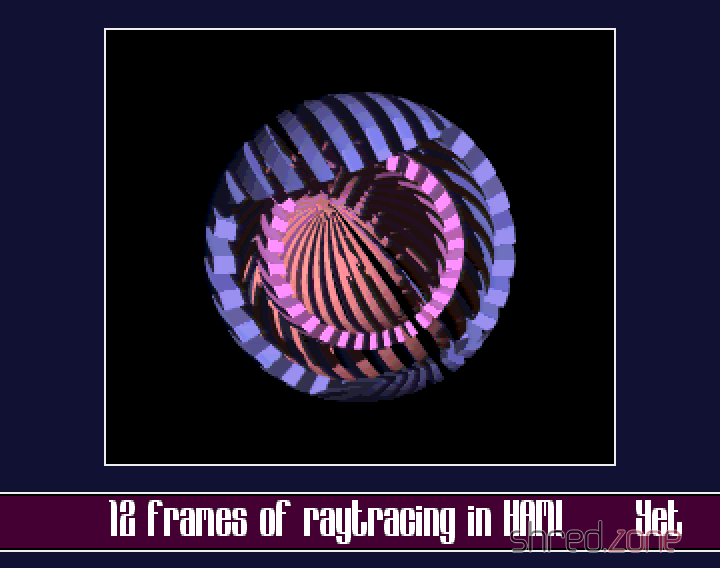
UAE is installed from the Dribble repository via:
yum install e-uae
Again, the operating system is missing, the so-called Kickstart ROM. Anyone who owns an Amiga can generate a Kickstart file themselves using software from the Aminet. Another option is to get a commercial Amiga emulator that contains the Kickstart file. Mostly, however, you can also find the coveted file on Amiga game collections for the PC, which are available in many software shops. The collections are cheaper and also bring “fodder” for the emulator with them.
Atari ST
Even for the former arch-rival of the Amiga, the Atari ST, there is an emulator. It is called hatari and is even available in the Fedora Extras repository:
yum install hatari
The open-source EmuTOS is used as the operating system here. This makes hatari truly 100% Open Source.
Commodore C64 and its siblings
A whole army of emulators is brought by vice, from the C64 and C128 up to very old treasures like the Commodore PET. Vice is installed from the Dribble repository via:
yum install vice
Unfortunately, there seems to be a problem with the sound; at least I always get an error message that alsa cannot be accessed. This is tragic, especially with the C64 and its legendary SID synthesiser chip.
ZX Spectrum
Even though the C64 was undoubtedly the most popular home computer of the 1980s, there were alternatives. One was the Sinclair ZX Spectrum. Of course, there is also an emulator for this, called FUSE (Free Unix Spectrum Emulator). The emulator itself is in the Extras repository, but without the necessary ROM files. These can be installed additionally from the Dribble repository. The following line installs the complete emulator with ROMs and various tools:
yum install fuse-emulator fuse-emulator-roms fuse-emulator-utils
Various models such as the ZX Spectrum 48k, the ZX Spectrum 128k, or the identically constructed devices from Timex and Pentagon are emulated.
MAME
A true specialist among emulators is MAME, the Multiple Arcade Machine Emulator. The purpose of this software is to emulate arcade computers. Not exactly an easy task, because very often the hardware of the device was tailor-made for the game.
The emulator is in the Freshrpms repository and is installed as follows:
yum --enablerepo=freshrpms install gxmame xmame xmame-roms
To be able to play with MAME, you need the ROMs of the original systems. These are quite difficult to obtain legally, because actually you have to own the system (or at least its ROM chips) to do so. At least three games, whose ROMs were released by the owners, are installed along with the xmame-roms package.
Other Emulators
Dribble offers a multitude of other emulators, for example for Gameboy, Gamecube, NES, Nintendo 64, or for MSX home computers. Have fun trying them out!
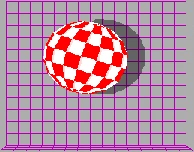
I would like to take this opportunity to offer my very personal congratulations to the Amiga. No computer has shaped me as much as it has.
I was already enthusiastic about computers as a 10-year-old lad. Even back then, I used to pester my primary school teacher with questions about calculating trigonometric functions using Taylor series, and in year four I already knew the basics of BASIC before I even learned my first foreign language.
Then I saw an Amiga 1000 for the first time on television (in a computer programme on a public service channel). The graphics and sound capabilities were almost unbelievable for the time, and at first I actually looked for the catch, for example, that you were only allowed to run an Amiga for a few hours because it would otherwise overheat.
But of course that wasn’t the case, as I was able to see for myself a short time later. A classmate got an Amiga 500, and I stared in amazement at colourful games and groovy demos with real music instead of the C64 synth-doodling - and was green with envy.
I started to badger my parents, and in 1988 I actually got my own Amiga 500 as a gift at the age of 16. I devoured the mandatory reading of the time, the legendary Amiga Intern by Data Becker, in a week, with the 68000 assembler instruction set for dessert. Even before I had my Amiga, I knew how the miracle box worked.
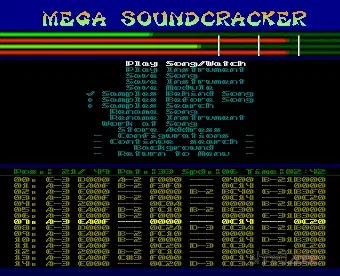
Then came Kickstart 2.0, and with it the belated realisation that the operating system perhaps wasn’t so useless after all. Because back then, many games and demos no longer worked because they didn’t adhere to Commodore’s programming guidelines. However, the dealers blamed the Amiga and drove away quite a few customers with this false statement.
Since the new Kickstart, I occupied myself with the Amiga operating system - and found something that is still modern even by today’s standards. Pre-emptive multitasking, for example, memory and resource management, or numerous ready-made program libraries that just wanted to be used. The already market-dominating Windows 3.1 looked outdated in comparison, and even Windows 95 didn’t come close to its capabilities. AmigaOS is very comparable to Unix. The similarities are so great that text-based Unix programs could even be compiled relatively easily on the Amiga.
Eventually the Amiga 500 became too small for me, and in 1994 I bought an Amiga 4000 with my hard-earned civilian service pay. My work there moved more behind the scenes. I did try to write one or two application programs, even successfully with EuraTools and SoundBox, but mostly I worked on libraries.
I am particularly proud of the maestix.library. Unfortunately, the manufacturer did not provide drivers for the MaestroPro sound card (with optical inputs and outputs, revolutionary at the time). I annoyed the developers at Amiga trade fairs, but was always just fobbed off or chased away. So I sat down and programmed a driver myself. It worked efficiently and stably - and so well that one day I even got a call from the manufacturer asking if I would like to program for them.
Commodore’s bankruptcy in 1994 hit me hard, but in itself it was foreseeable for me anyway, because Commodore committed one management error after another back then. Finished construction plans for a new Amiga chipset vanished into a drawer, and they stubbornly refused to advertise the Amiga despite declining sales figures. They themselves saw the Amiga as merely a C64 successor that was promoted solely through word of mouth. Commodore underestimated the computer’s capabilities, and their attitude was not least responsible for the fact that the Amiga was always burdened with the stigma of being a “games computer”. Ironically, Windows, for which most games are available today, was considered a serious alternative at the time.
Despite the bankruptcy, I remained loyal to the Amiga, following the exciting years that followed with their highs and lows. The purchase by Escom, new Amigas were developed, then Escom also went bankrupt. Gateway was the next to take pity, then put Amiga on its own two feet.
The time that followed, however, was a tragedy. Companies like Haage&Partner, Phase 5 and Amiga tore each other apart in competition for the next Amiga generation, and lost sight of the common goal due to their petty wars. One consequence was that Amiga models were often announced and then vanished into thin air again.
At that time, my Amiga 4000 was already highly upgraded, housed in a huge tower case and had numerous expansion cards in its belly. But nevertheless, what had to happen happened: the PC visibly caught up and eventually overtook it in terms of graphics, sound and computing power. Linux came onto the market and increasingly established itself as a genuine alternative to Windows.
In the year 2000 I then decided to give up the Amiga. The decision wasn’t easy, but an old Native American proverb says: when you discover that you are riding a dead horse, dismount.
I am now quite happy with Linux, as a lot of things remind me of the Amiga. The Amiga emulator UAE has also become powerful enough on modern computers to emulate even demanding nostalgia trips.
My Amiga 4000 is now back in its desktop case under the desk. It has earned its place of honour.
Happy Birthday, Amiga!
Rest in peace, Amiga!
In this gallery, I’m showing a few self-made ray-traced images that I created on my Amiga 4000/060 using Maxon Cinema. Unfortunately, this hobby came to an end when I switched to Linux. But perhaps I’ll pick it up again at some point…
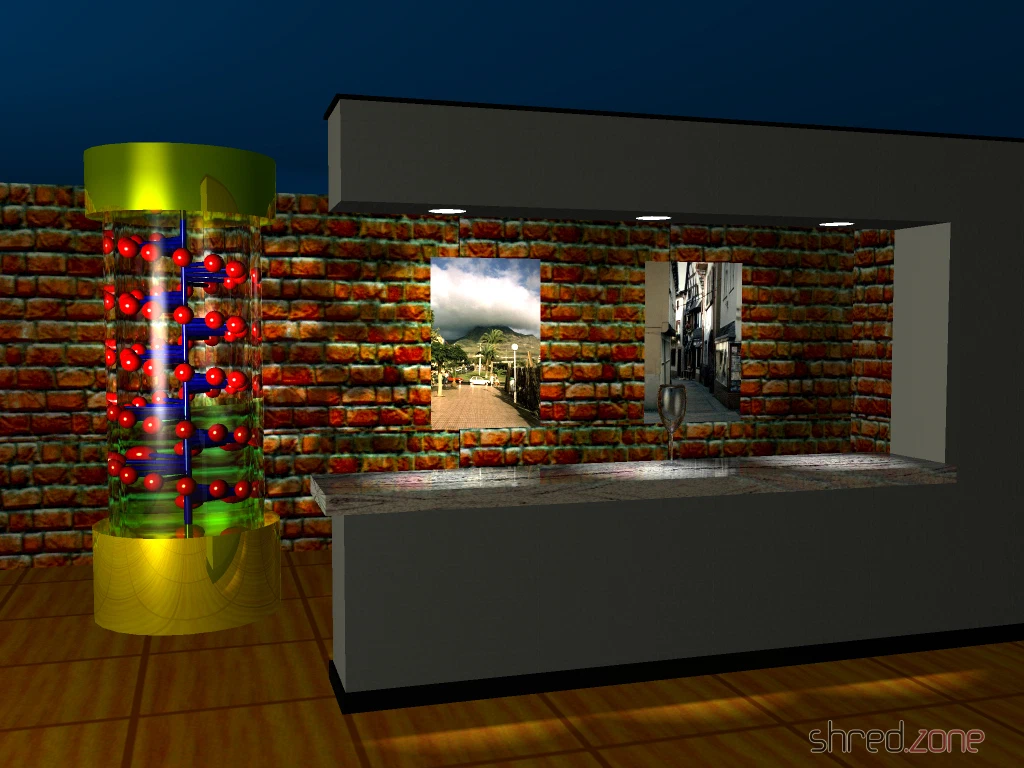
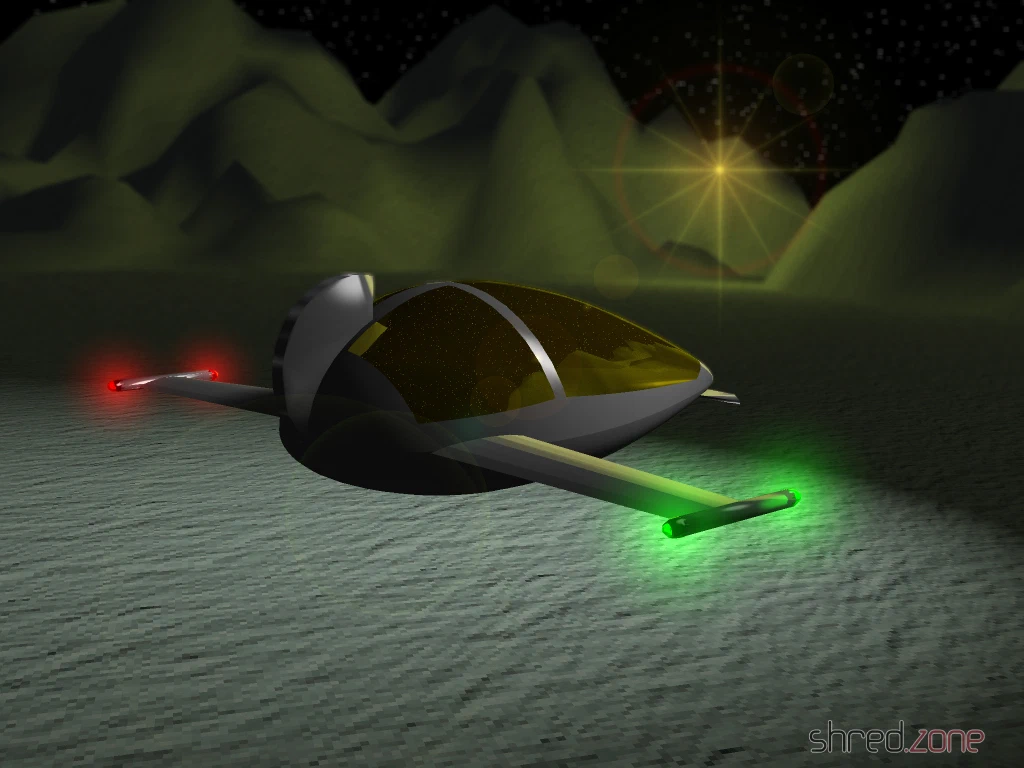
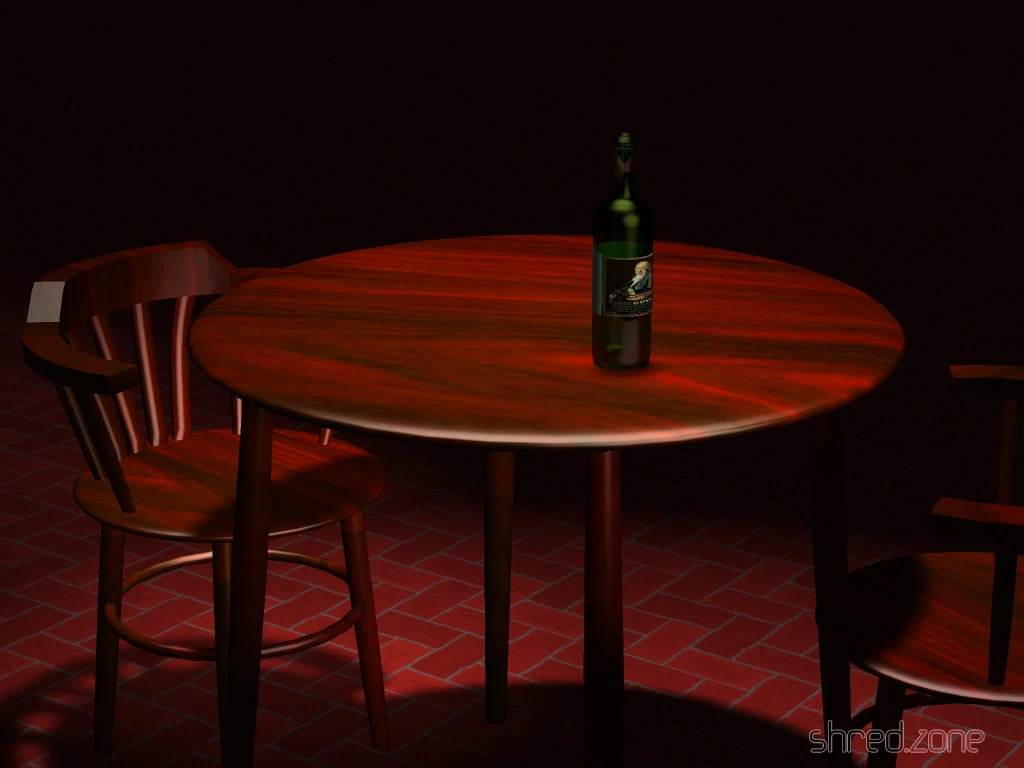
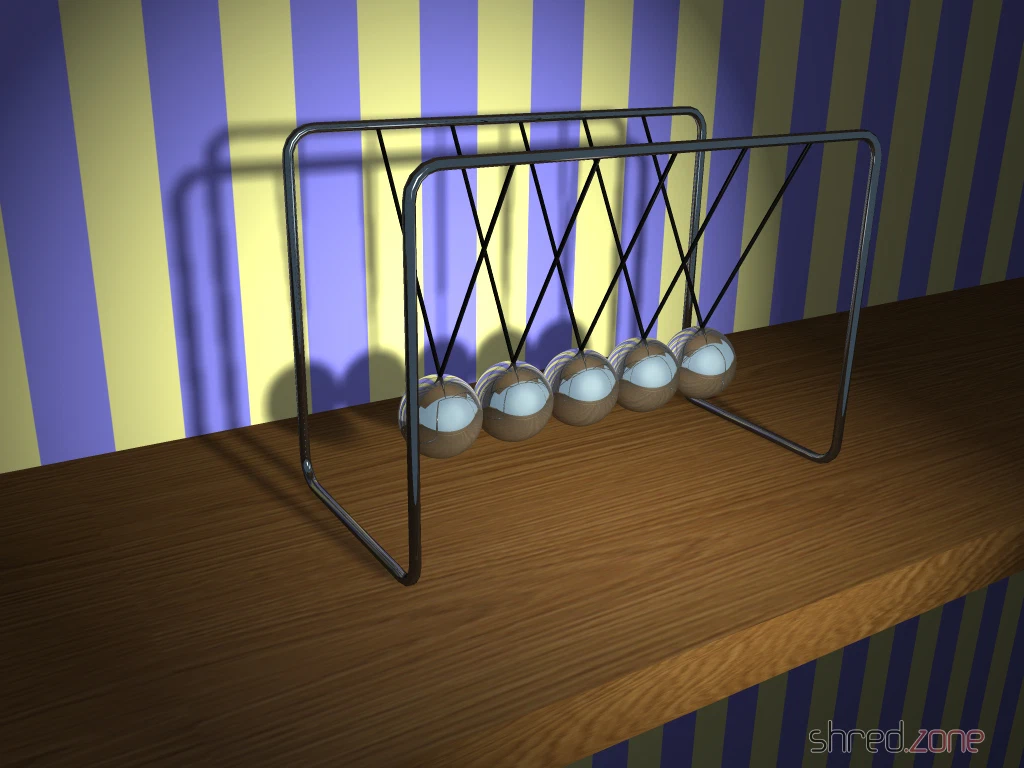
Edit 10.01.2020: The images are now available in full resolution. I’ve re-rendered some of them using FS-UAE emulation. With the AMD Ryzen 5, it was twice as fast as on the original 68060 processor.